Your Public Profile Link
Your public AlinkMe profile link is the single link that connects all your social media profiles in one place.
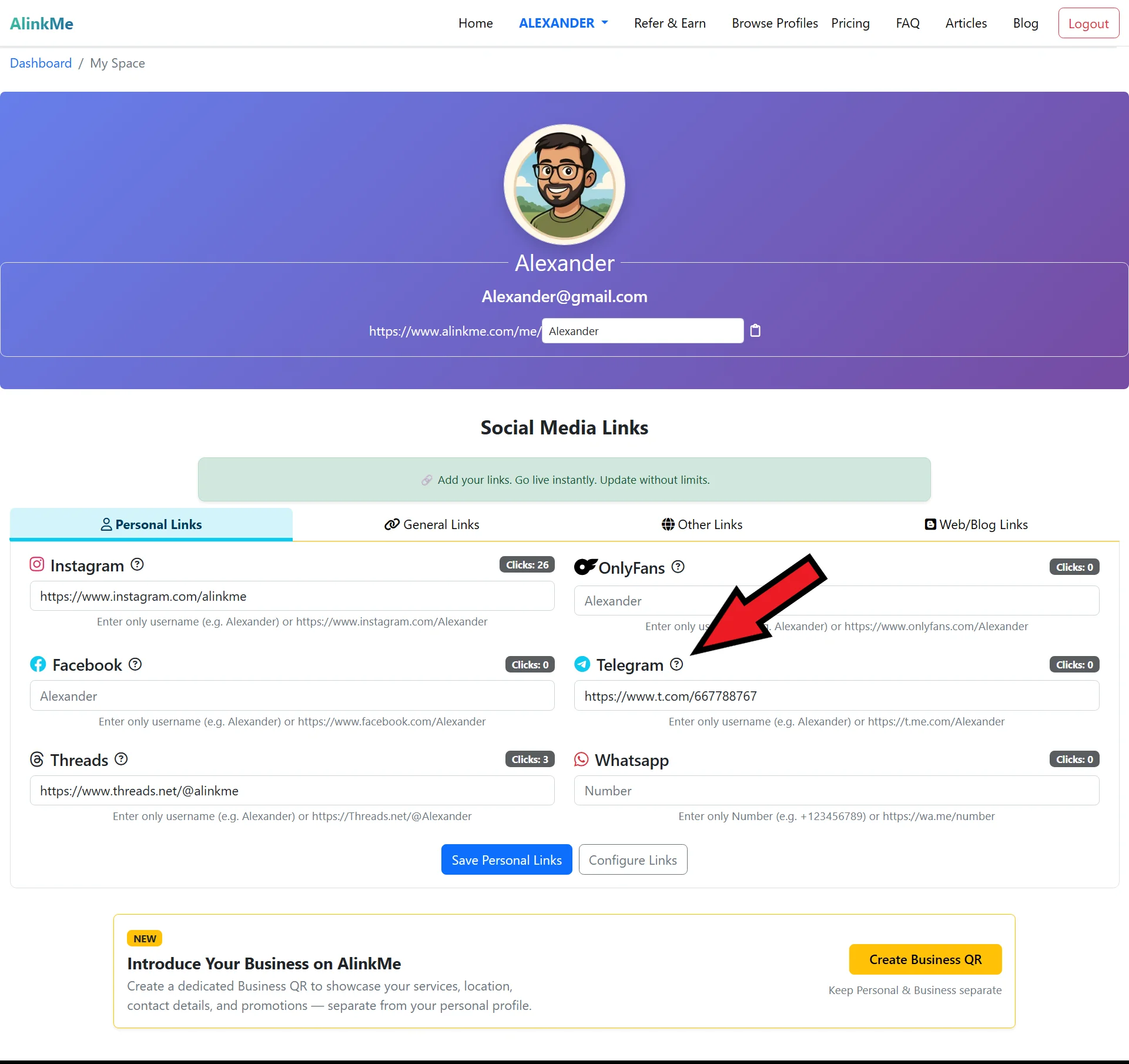
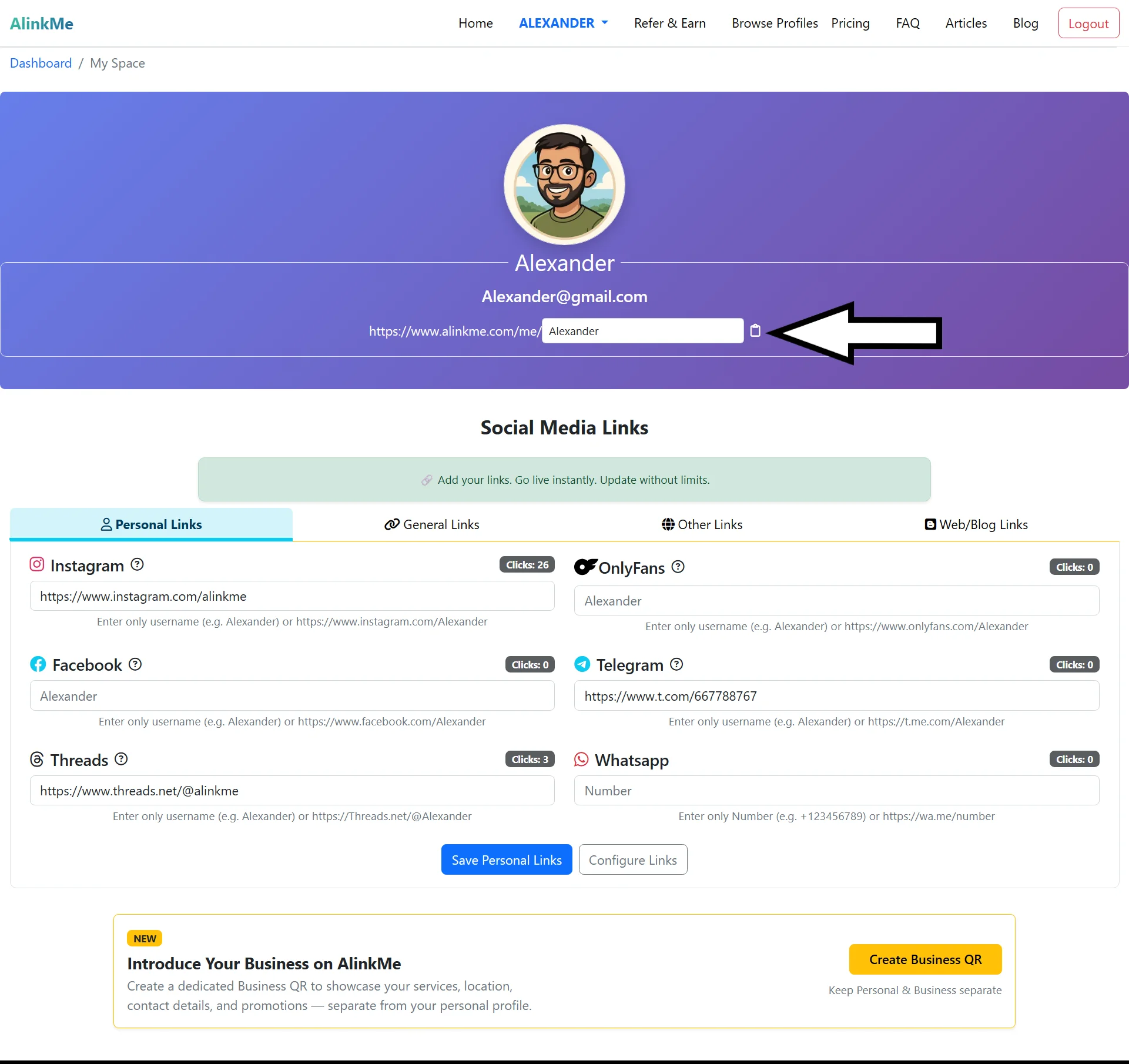
Just below your profile image and email address, you will see your unique AlinkMe URL, for example:
This link represents your personal profile page and is accessible to anyone you share it with.
What Does This Link Do?
Your public profile link:
-
Opens your AlinkMe page with all your social media links
-
Displays your profile image, name, and personal links
-
Works on mobile, tablet, and desktop devices
-
Updates automatically when you change or add new links
You never need to share multiple links again.
Where Can You Use Your Public Profile Link?
You can paste your AlinkMe link anywhere, including:
-
Instagram bio
-
WhatsApp profile
-
Facebook bio
-
Twitter (X) profile
-
Email signature
-
Business cards
-
Website or blog
One link works everywhere.
Why Your Public Profile Link Is Important
Using a single public profile link helps you:
-
Keep your online presence clean and professional
-
Save time managing multiple profile links
-
Increase visibility across platforms
-
Make it easy for people to find all your profiles in one place
Share Once, Update Anytime
The best part about your AlinkMe public link is that you can update your social media links anytime, and the same URL will always show the latest version.
No need to change your bio links again.
Start Sharing Your AlinkMe Link
Find your public profile link below your profile image and start sharing your one-link-for-all today.