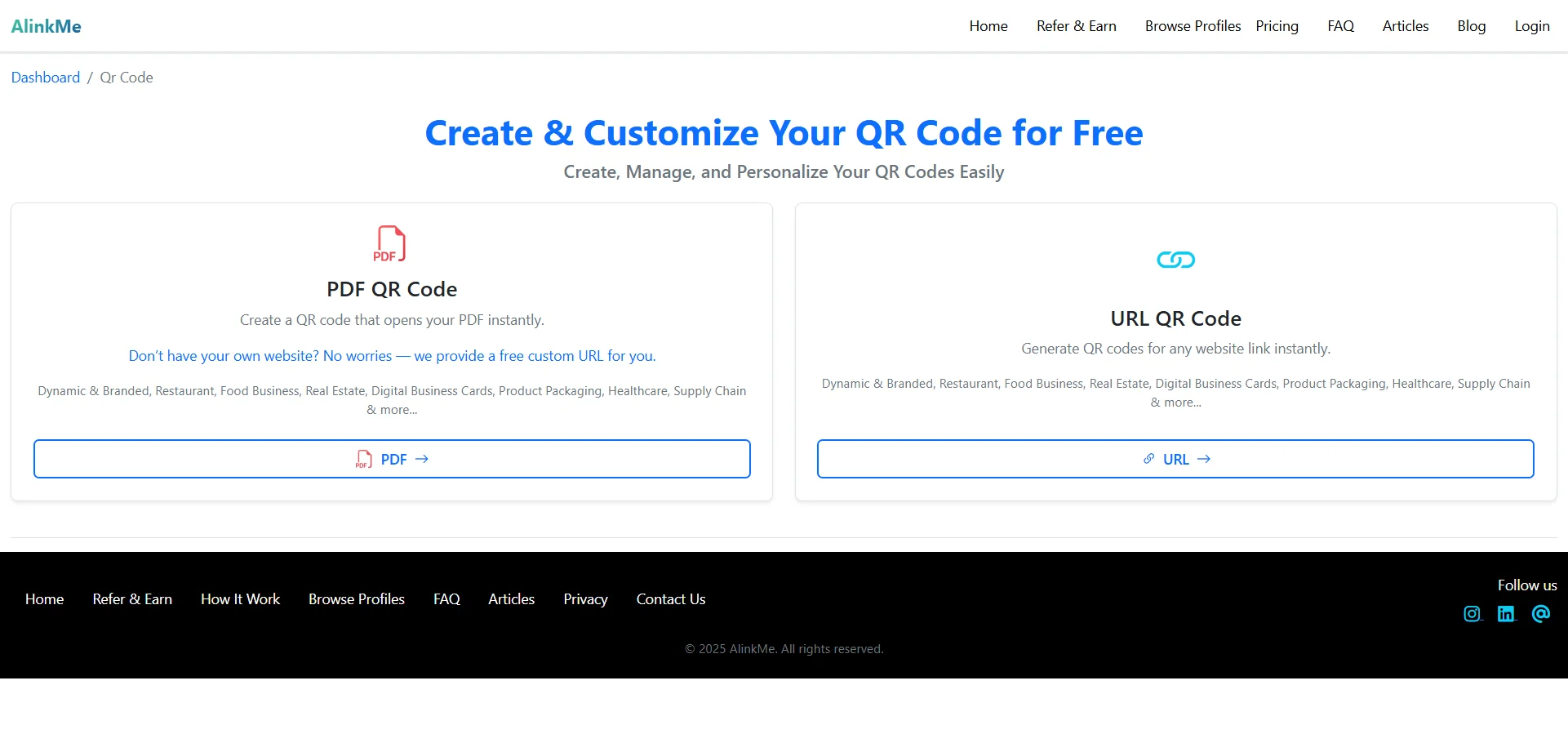
Create & Customize PDF QR Codes Online
AlinkMe makes it simple to upload a PDF, customize the design, and generate a scannable QR code instantly. With just a few clicks, you can turn any PDF document into a QR code that opens directly on a user’s device when scanned.
This feature is perfect for businesses, creators, and professionals who want to share documents quickly and professionally.
🔹 Upload PDF & Generate QR Code in Seconds
The PDF QR Code tool in AlinkMe is designed for ease and speed. You don’t need any technical knowledge to get started.
How It Works:
-
Select PDF File
Upload your PDF document from your device. -
Add Name (Optional)
Give your PDF a name like Company Profile, Menu, or Brochure for easy identification. -
Choose Category
Select the appropriate category to organize your QR codes efficiently. -
Generate and Customize QR Code
Click the button to instantly generate your QR code and customize its appearance.
🔹 Why Use PDF QR Codes?
PDF QR codes allow instant access to documents without searching, downloading links, or typing URLs.
Key Benefits:
-
Instant PDF access via QR scan
-
Clean and professional sharing
-
Easy document updates
-
Mobile-friendly experience
-
Perfect for both print and digital use
🔹 Ideal Use Cases for PDF QR Codes
AlinkMe’s PDF QR Codes are widely used across industries:
-
📄 Restaurant menus
-
🏢 Company profiles & brochures
-
🏠 Real estate flyers
-
🪪 Digital business cards
-
🏥 Healthcare documents
-
📦 Product manuals & packaging
🔹 No Website Required
Don’t have your own website?
No problem. AlinkMe provides a free custom URL for your PDF QR code, making it easy to share documents without additional setup.
🔹 Start Creating Your PDF QR Code Today
Creating a PDF QR code with AlinkMe takes only a few seconds.
👉 Visit https://www.alinkme.com
👉 Upload your PDF
👉 Generate & customize your QR code
👉 Share anywhere — print or digital