How to Use AlinkMe Website – Complete Tutorial
This tutorial explains how to use AlinkMe to create link-in-bio pages, generate QR codes, and manage your social media links effectively.
Click on the Register button in the top-right. Fill in your name, email, password, and click "Sign Up".
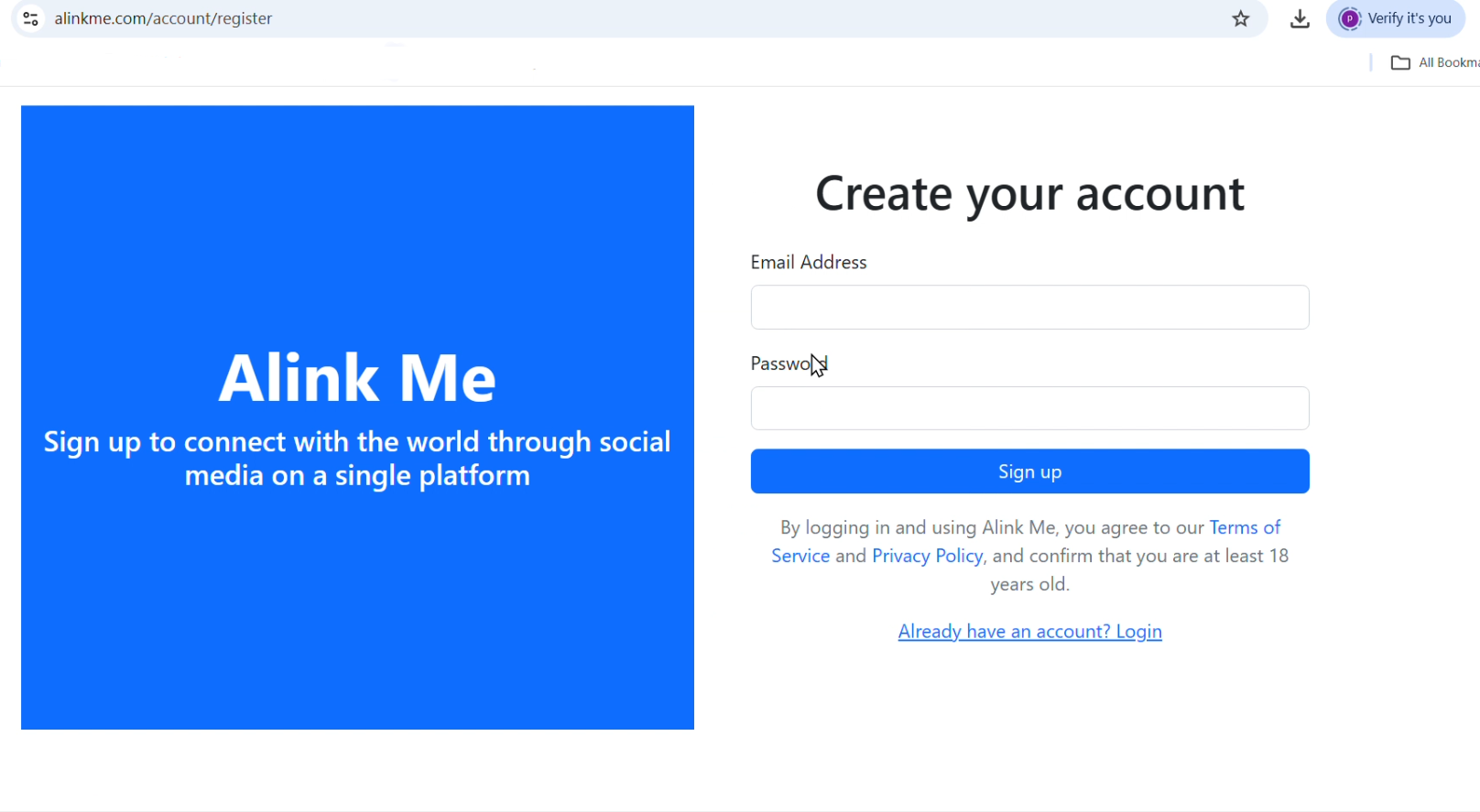
Once logged in, go to your dashboard under the MySpace tab. Click on "Select a Platform", fill in the textbox with your username and URL, and click "Add Social".
Example of social media usernames with full links:
- 🌐 https://www.facebook.com/Alexander
- 🌐 https://www.threads.net/@Alexander
- 🌐 https://www.linkedin.com/in/Alexander

Click "Upload Avatar". Choose an image and click "Save".

You can copy the URL, paste it into your browser, and it will look like the image below. e.g., https://alinkme.com/Alexander

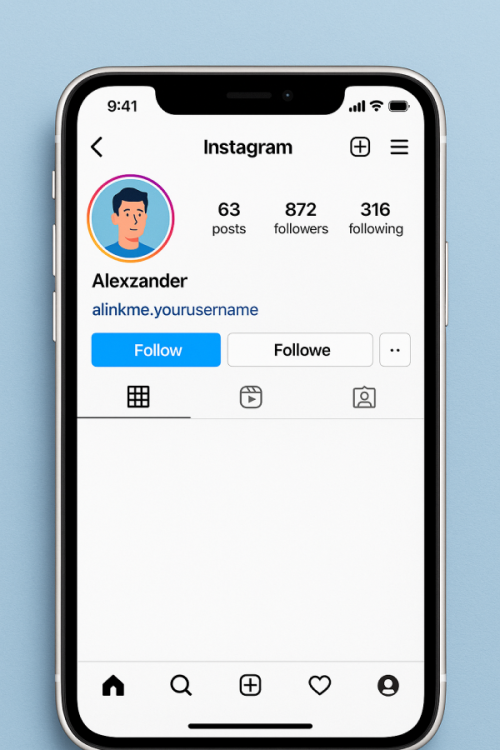
Follow these steps to add your unique link to your Instagram bio:
- Open the Instagram app on your phone or visit instagram.com.
- Go to your profile by tapping your profile icon.
- Tap Edit Profile.
- In the Website field, paste your unique link (e.g.,
https://alinkme.com/Alexander). - Tap Submit or Save.
Now, anyone visiting your profile can click the link and be redirected to your personalized social link page.
📺 For more information, watch this video:
https://www.youtube.com/shorts/hsfOnoSKd_A
🎥 Video Tutorial
Discover how to enhance your profile appearance using advanced configuration tools. This tutorial covers style adjustments, color customization, theme selection, and real-time preview to help you build a standout digital presence.
https://www.youtube.com/watch?v=elAumvDVUqg
https://www.alinkme.com