Add Telegram Profile Link on AlinkMe (MySpace – Personal Links)
AlinkMe lets you manage all your social media profiles using one single link. By adding your Telegram profile link to AlinkMe, visitors can easily connect with you on Telegram from your public profile.
Step 1: Login to AlinkMe
-
Visit 👉 https://www.alinkme.com
-
Click on Login
-
Enter your registered email address and password
-
Click Login
-
You will be redirected to your MySpace
Step 2: Open Personal Links in MySpace
-
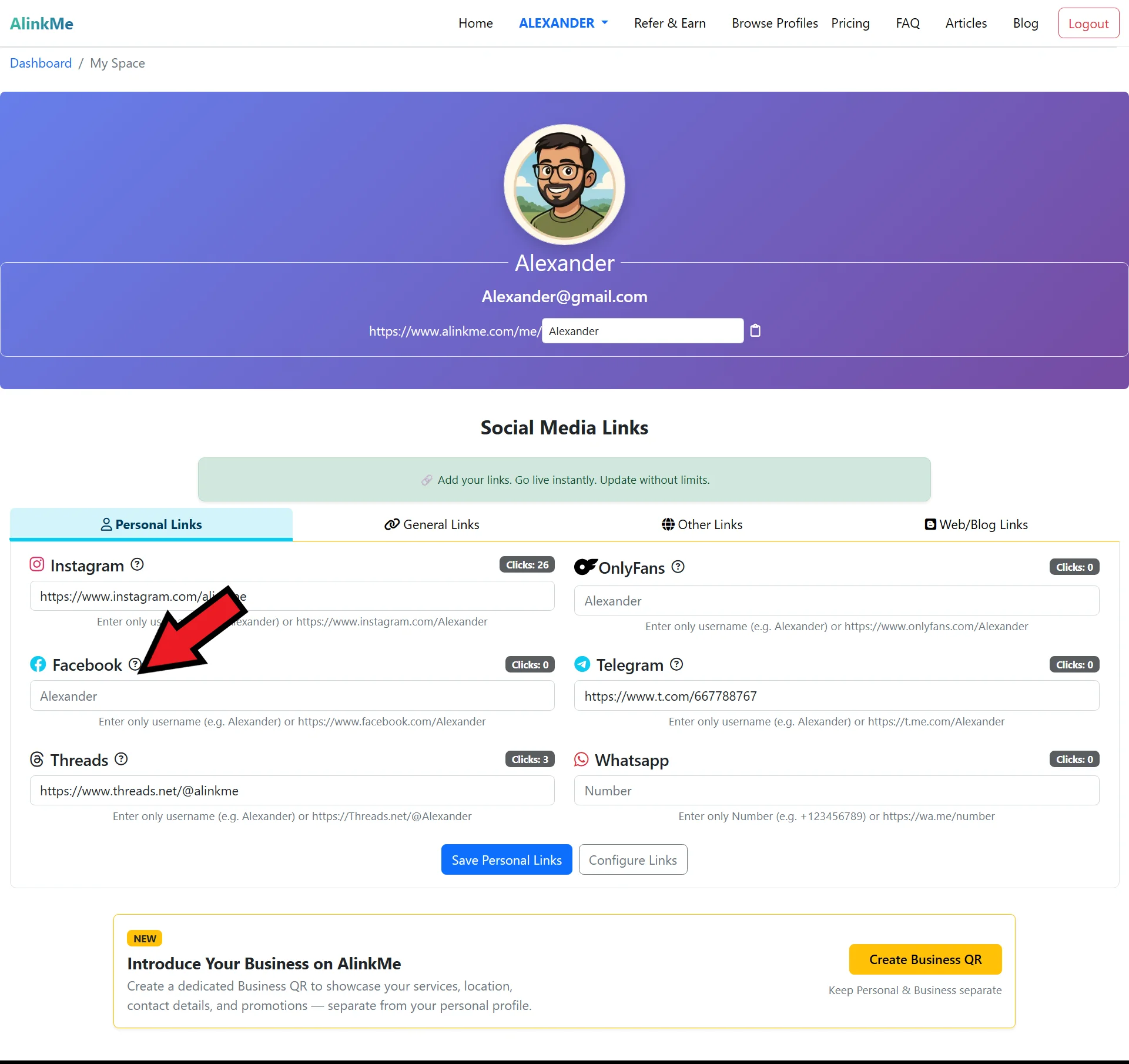
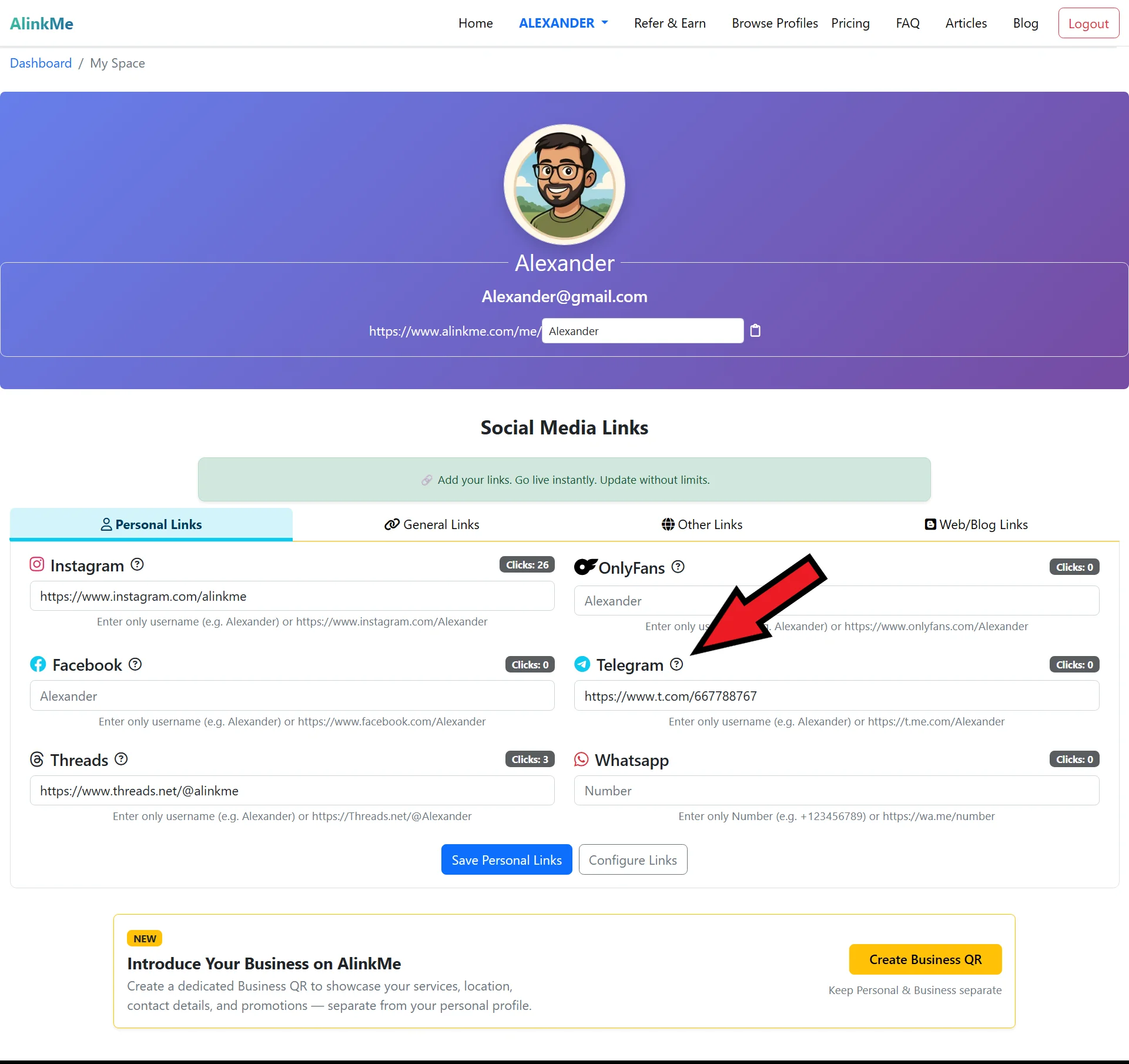
On the MySpace page, scroll to Social Media Profile Links
-
Make sure the Personal Links tab is selected
-
You will see input fields for different platforms, including Telegram
Step 3: Add Telegram Profile Link
-
Locate the Telegram input field
-
Paste your Telegram profile URL
-
(Example:
https://t.me/yourusername) -- If you can’t find your Telegram profile link, click the question mark icon. That page will help you locate your social media profile .
-
-
Click Save Personal Links
Your Telegram profile link will now appear on your public AlinkMe page.
🔹 How to Find Your Telegram Profile Link (Step by Step)
Before adding your Telegram link to AlinkMe, you need to copy your correct Telegram profile URL.
Method 1: Telegram Mobile App
-
Open the Telegram app
-
Tap on Settings
-
Tap your username
-
Copy your Telegram profile link
Example: https://t.me/yourusername
Method 2: Telegram Desktop App or Web
-
Open Telegram Desktop or web.telegram.org
-
Click on Settings
-
Click your username
-
Copy the profile link
🔹 Paste Telegram Link into AlinkMe
-
Return to your AlinkMe MySpace
-
Paste the copied Telegram URL into the Telegram field
-
Click Save Personal Links
Your Telegram profile is now successfully connected to AlinkMe.
🔹 Why Add Telegram Profile Link on AlinkMe?
Adding Telegram to your AlinkMe profile helps you:
-
Share one link for all social platforms
-
Grow your Telegram audience
-
Keep your bio links clean and professional
-
Update links anytime without changing your profile URL
🔹 Share Your AlinkMe Profile
Once your Telegram link is added:
-
Copy your AlinkMe public profile URL
-
Share it on Instagram bio, WhatsApp profile, email signature, or website
One link now connects all your social media profiles.
🔹 Start Managing Your Social Links Today
Login to AlinkMe and add your Telegram profile link in minutes.