Add Facebook Profile Link on AlinkMe (MySpace – Personal Links)
AlinkMe allows you to manage all your social media profiles from one place. Adding your Facebook profile link helps visitors easily connect with you using a single AlinkMe link.
Step 1: Login to AlinkMe
-
Visit 👉 https://www.alinkme.com
-
Click on Login.
-
Enter your registered email address and password.
-
Click Login Button.
-
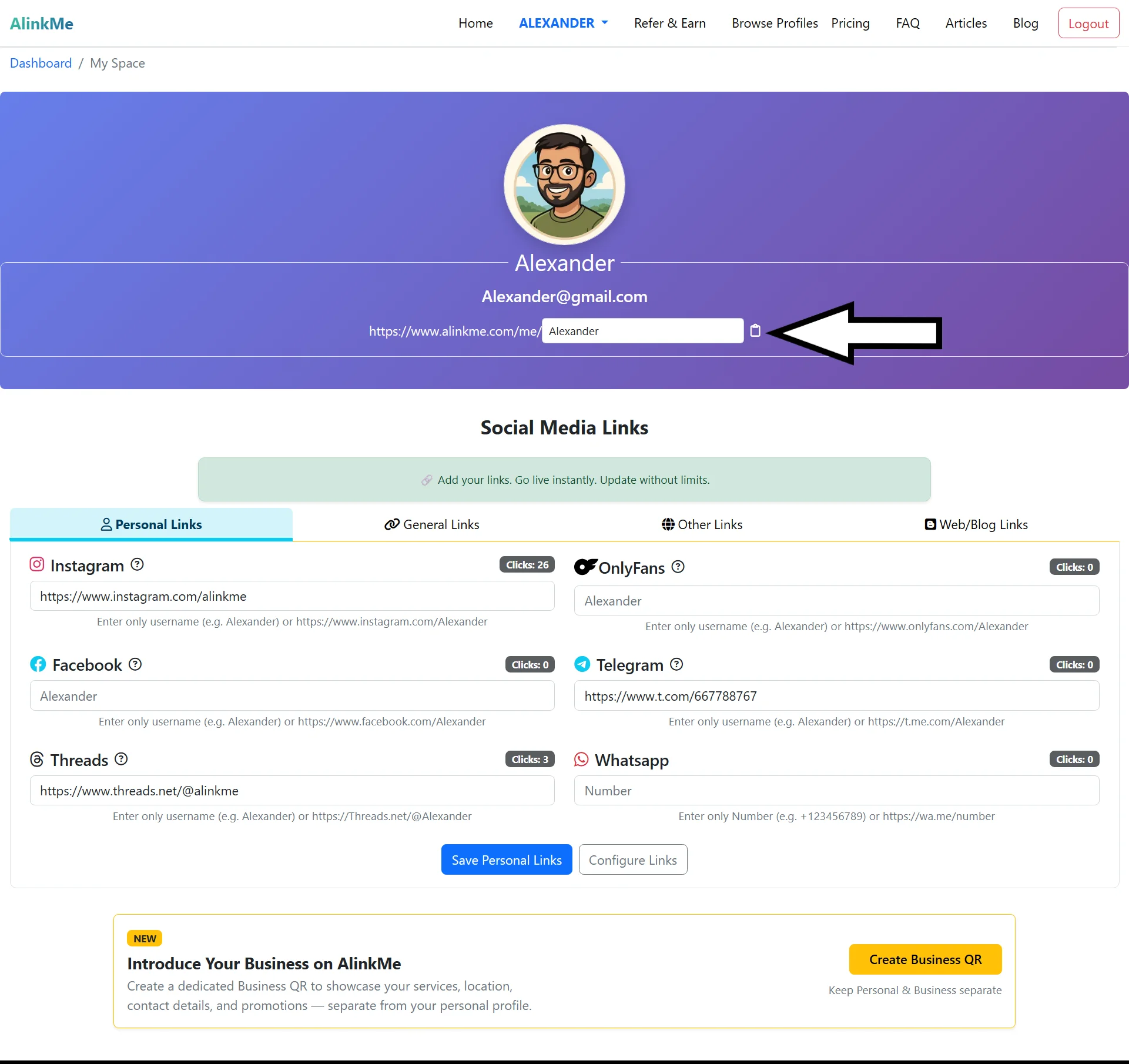
You will be redirected to your MySpace.
Step 2: Open Personal Links in MySpace
-
On the MySpace page, scroll down to Social Media Profile Links
-
Make sure the Personal Links tab is selected
-
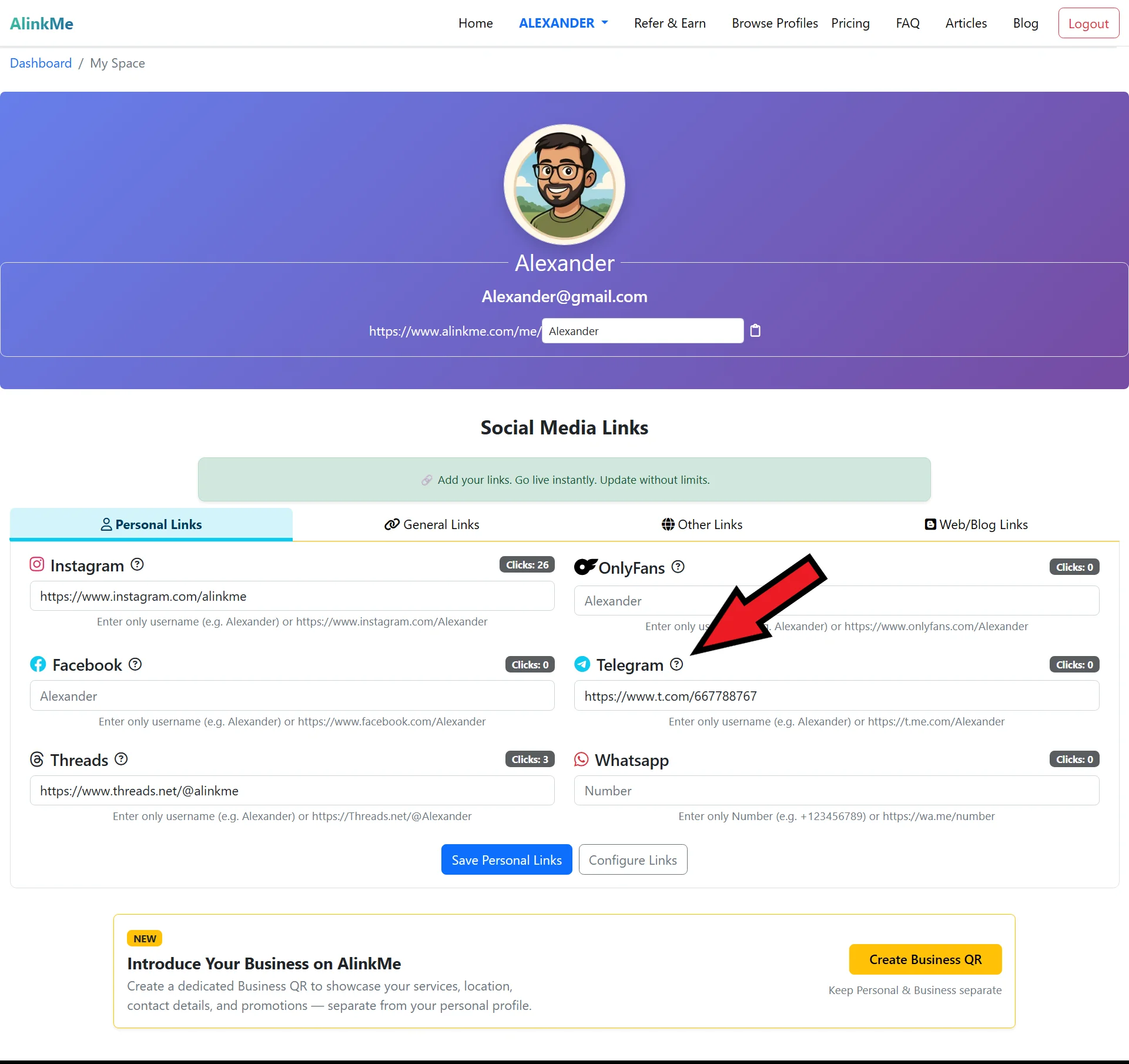
You will see input fields for different social platforms, including Facebook
Step 3: Add Facebook Profile Link
-
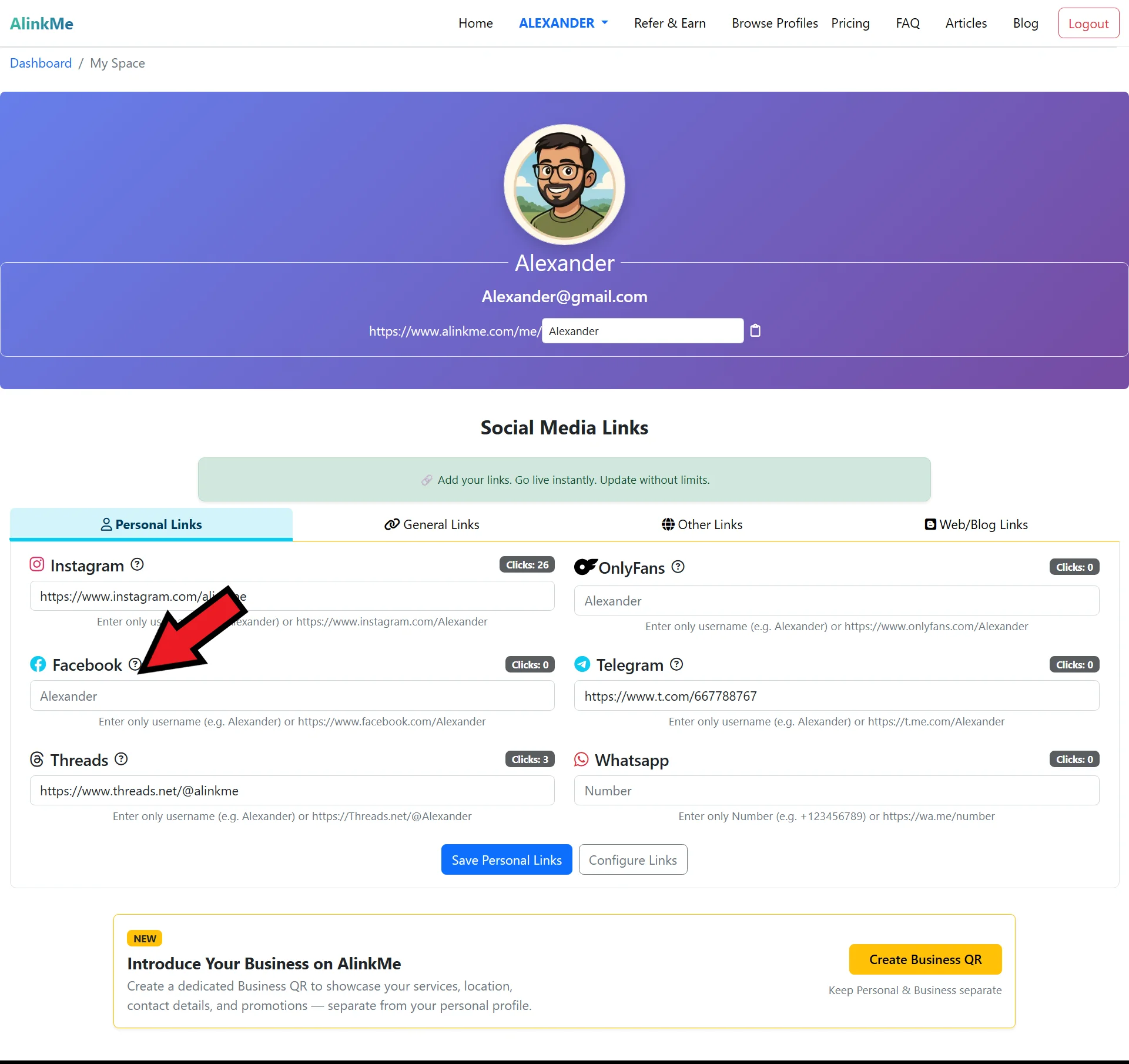
Locate the Facebook input field
-
Paste your Facebook profile URL
-
(Example:
https://www.facebook.com/yourusername) -- If you can’t find your facebook profile link, click the question mark icon. That page will help you locate your social media profile .
-
-
Click Save Personal Links
Your Facebook profile link will now appear on your public AlinkMe page.
🔹 How to Find Your Facebook Profile Link (Step by Step)
Before adding your Facebook link to AlinkMe, you need to copy the correct profile URL from Facebook.
Method 1: From Facebook Mobile App
-
Open the Facebook app
-
Tap on your profile picture
-
Tap the three dots (⋯) next to Edit Profile
-
Select Copy Profile Link
-
Your Facebook profile URL is now copied
Method 2: From Facebook Website (Desktop)
-
Login to your Facebook account
-
Click on your profile name or picture
-
Copy the URL from the browser address bar
Example Facebook profile link:
🔹 Paste Facebook Link into AlinkMe
-
Return to your AlinkMe MySpace
-
Paste the copied Facebook profile URL into the Facebook field
-
Click Save Personal Links
Your Facebook profile is now successfully connected to AlinkMe.
🔹 Why Add Facebook Profile Link on AlinkMe?
Adding Facebook to your AlinkMe profile helps you:
-
Share one link instead of multiple social links
-
Increase profile visits
-
Keep your online presence professional
-
Update links anytime without changing your bio link
🔹 Share Your AlinkMe Profile
Once your Facebook link is added:
-
Copy your AlinkMe public profile URL
-
Share it on Instagram bio, WhatsApp profile, email signature, or website
One link now connects all your social media profiles.
🔹 Start Managing Your Social Links Today
Login to AlinkMe and add your Facebook profile link in minutes.