Customize Text & Icon Layout on Your AlinkMe Profile
AlinkMe allows you to fine-tune how your profile buttons appear using the Text & Icon Layout settings. This feature helps you control the position of icons and alignment of text, ensuring your profile looks clean, professional, and easy to navigate.
A well-structured layout improves user experience and increases the chances of link clicks.
🔹 Step 1: Access Text & Icon Layout Settings
- Visit 👉 https://www.alinkme.com
- Login to your account
- Go to Dashboard → Configuration
- Click on the Buttons tab
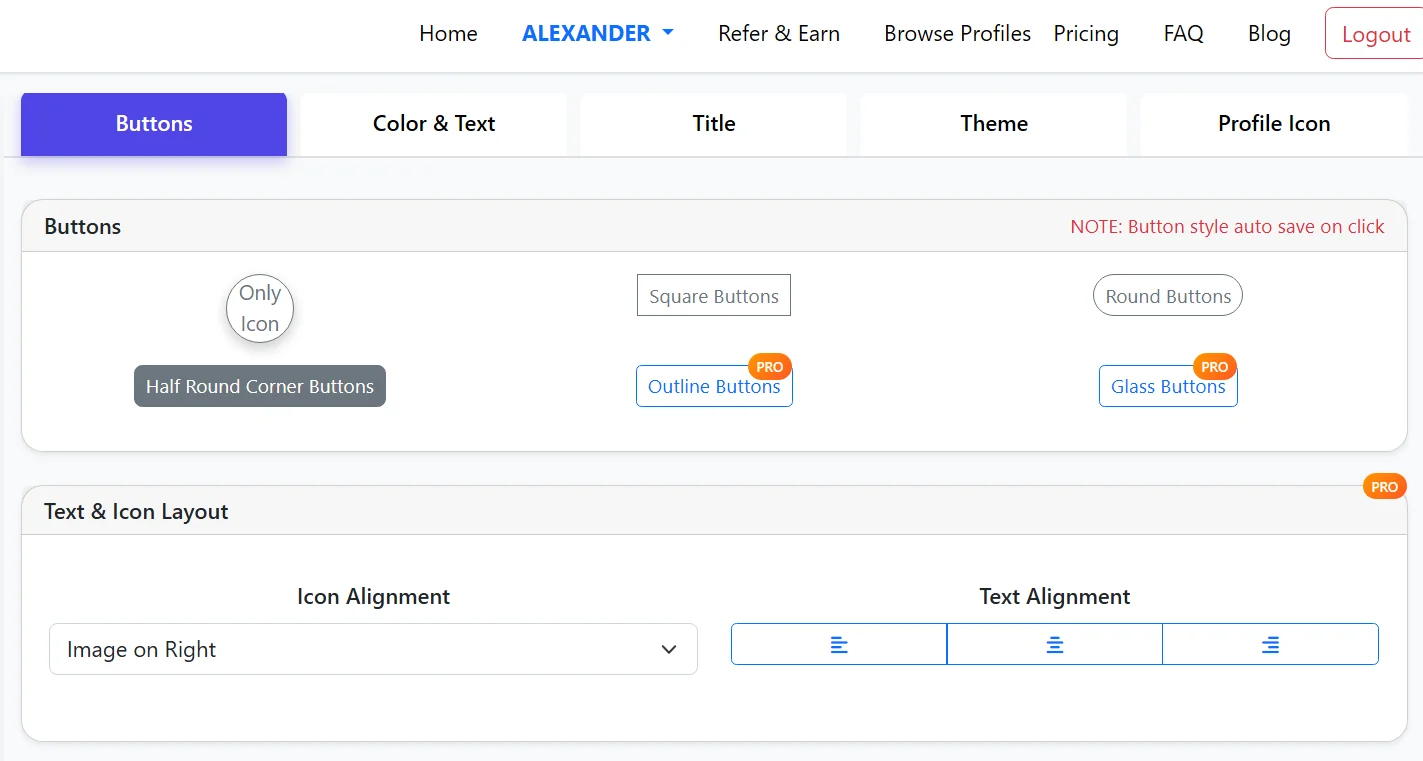
- Scroll to Text & Icon Layout
🔹 Icon Alignment Options
You can control where the icon appears inside your buttons.
Available Option (as shown):
- Image on Right – The icon appears on the right side of the button text
Depending on your design preference, icon placement can significantly impact how users scan your profile.
🔹 Text Alignment Settings
AlinkMe allows you to adjust text alignment inside buttons for better readability.
Alignment Options:
- Left Align – Text starts from the left side
- Center Align – Text is centered (most commonly used)
- Right Align – Text aligns to the right
Choosing the right alignment ensures your buttons look balanced and visually appealing.
🔹 Combine Layout with Button Styles
For best results, combine Text & Icon Layout with button styles such as:
- Round Buttons
- Square Buttons
- Outline Buttons (Pro)
- Glass Buttons (Pro)
This helps you create a fully customized and branded profile.
🔹 Live Preview Advantage
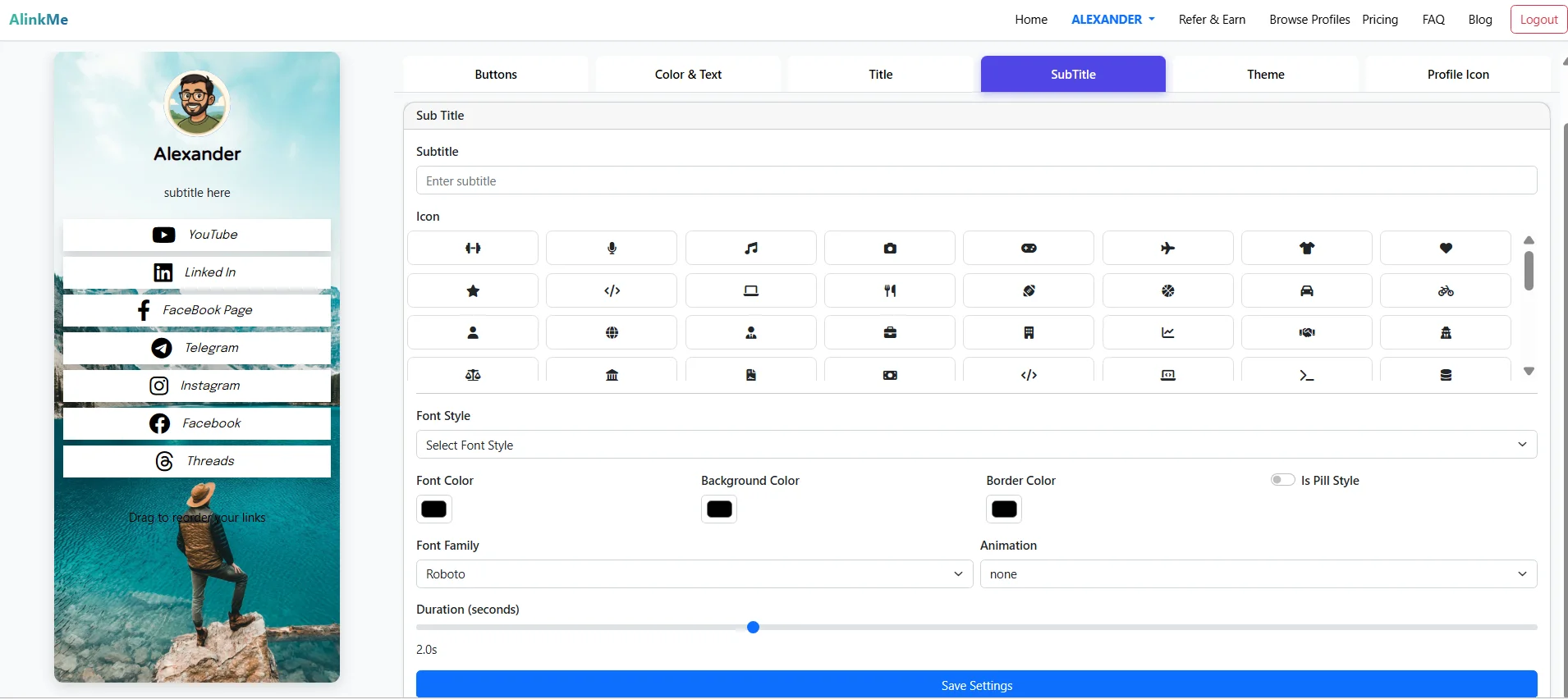
As you change icon and text alignment, your profile preview updates in real time.
This allows you to:
✔ Test different layouts instantly
✔ Choose the most user-friendly design
✔ Ensure consistency across all buttons
🔹 Why Text & Icon Layout Matters
Optimizing layout helps you:
✔ Improve readability
✔ Create a clean UI design
✔ Enhance user experience
✔ Increase click-through rates
✔ Maintain visual consistency
🔹 Best Practices
- Use center alignment for a modern look
- Keep icon placement consistent across all buttons
- Avoid cluttered layouts
- Match layout with your overall theme and colors
🔹 Final Thoughts
The Text & Icon Layout feature in AlinkMe gives you precise control over how your buttons appear. Small adjustments in alignment can make a big difference in how users interact with your profile.
🔹 Start Customizing Your Layout
👉 Visit https://www.alinkme.com
👉 Go to Buttons → Text & Icon Layout
👉 Adjust alignment and preview instantly
Create a clean, professional, and high-converting profile today.