Login to AlinkMe
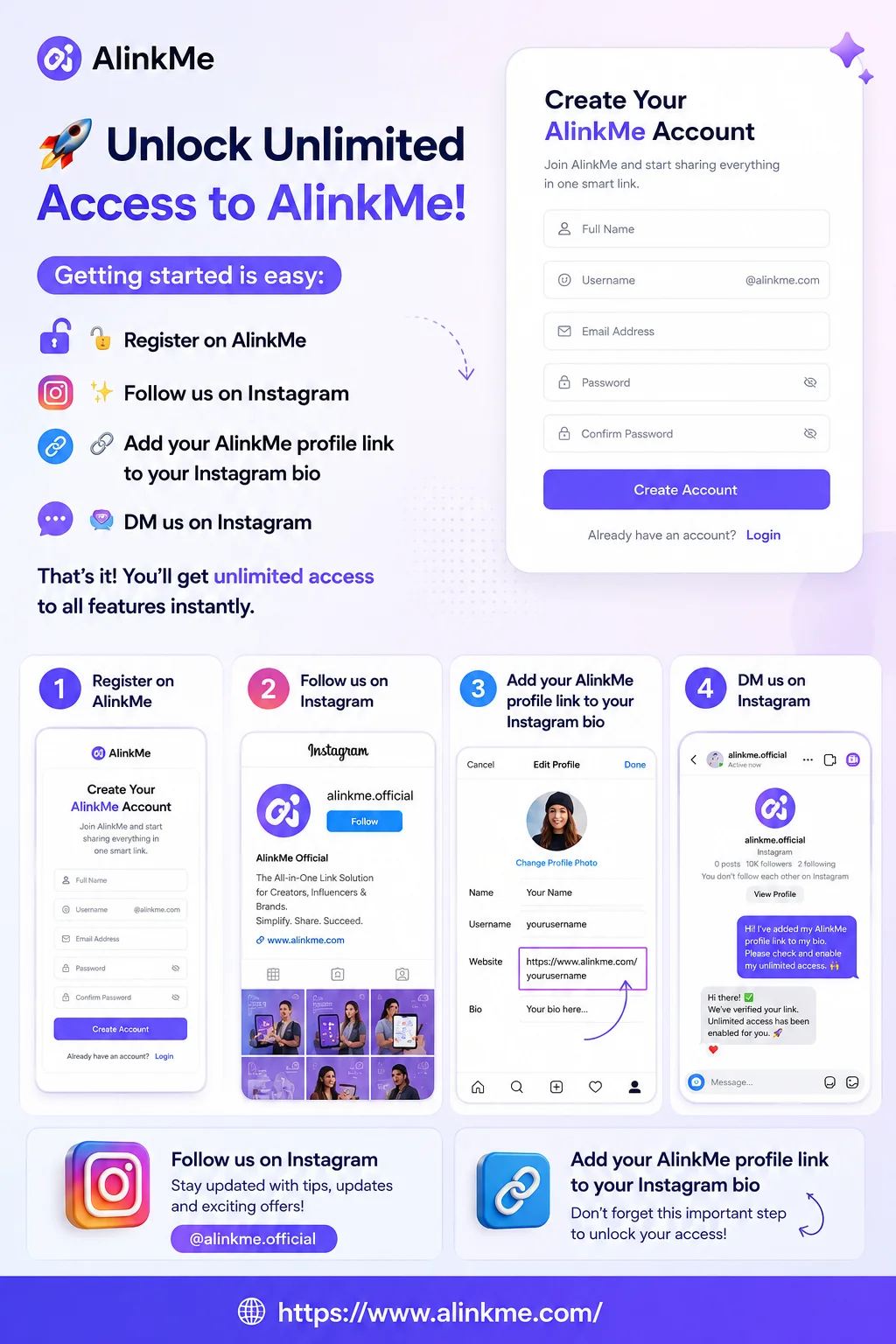
AlinkMe allows you to manage all your social media profile links from one page. To get started, you need to login to your AlinkMe account.
Steps to Login:
-
Visit 👉 https://www.alinkme.com
-
Click on the Login button
-
Enter your registered email address and password
-
Click Login
-
You will be redirected to your MySpace.
Open the MySpace Page
After logging in, AlinkMe takes you to your MySpace where you can manage your profile.
Steps:
-
From the MySpace
-
MySpace is your personal page where all your links are displayed
-
Here, you can add, edit, or remove your social media links anytime
Add Instagram Link in Personal Links
Instagram is usually the most important link for creators and businesses. AlinkMe makes it easy to add it first.
Steps to Add Instagram Link:
-
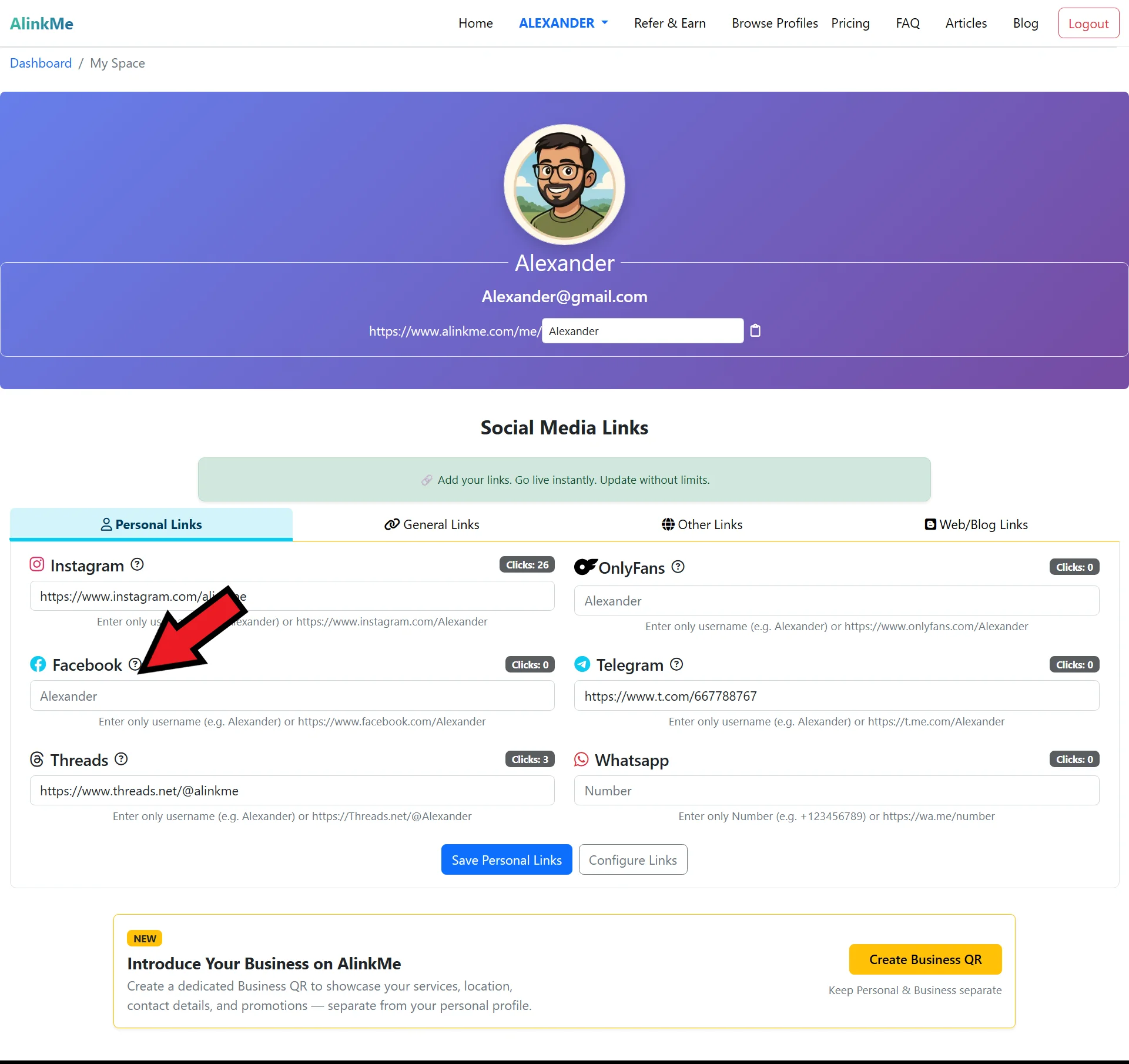
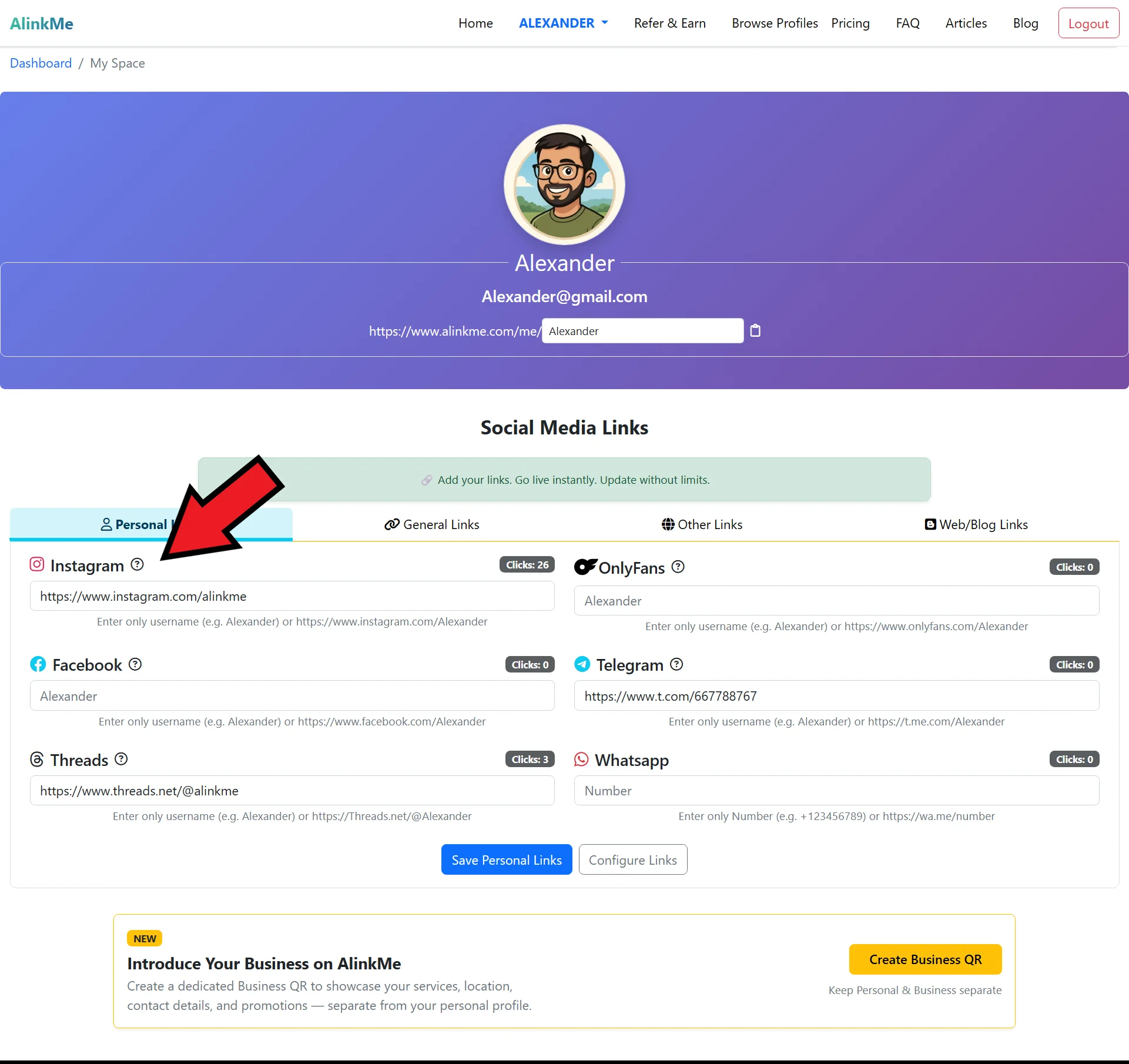
Inside MySpace, go to the Personal Links section.
-
Click Instagram TextBox.
-
Paste your Instagram profile URL
(Example: https://www.instagram.com/yourusername) -- If you can’t find your Instagram profile link, click the question mark icon. That page will help you locate your social media profile . -
Save the link
Your Instagram profile link will now appear on your AlinkMe page.
Add Other Social Media Profile Links
Once your Instagram link is added, you can add the rest of your social profiles in the same way.
You can add links for:
-
Facebook
-
Threads
-
Telegram
-
LinkedIn
-
Twitter (X)
-
YouTube
-
Website or any custom link
Steps:
-
Stay in the Personal Links section
-
Choose the platform (Facebook, Threads, Telegram, etc.)
-
Paste your profile URL
-
Save the link
Repeat the process for each social media platform you want to display.
Share Your AlinkMe Profile
Once all your links are added:
-
Copy your AlinkMe profile URL
-
Paste it in:
-
Instagram bio
-
WhatsApp profile
-
Facebook bio
-
Email signature
-
Business cards
-
Now, one link connects everything.
Why Use Personal Links in AlinkMe?
Using Personal Links in AlinkMe helps you:
-
Maintain one professional online identity
-
Save time managing multiple platforms
-
Increase profile visits
-
Share one link everywhere
Start Managing Your Links Today
Login to AlinkMe and start building your all-in-one social media profile in minutes.
👉 Login now:
https://www.alinkme.com