Login to Your AlinkMe Account
AlinkMe makes it easy to access your account and manage all your social media links from one place. Once logged in, you can update, add, or remove links anytime.
Steps to Login to AlinkMe
Follow these steps to login securely:
-
Go to 👉 https://www.alinkme.com
-
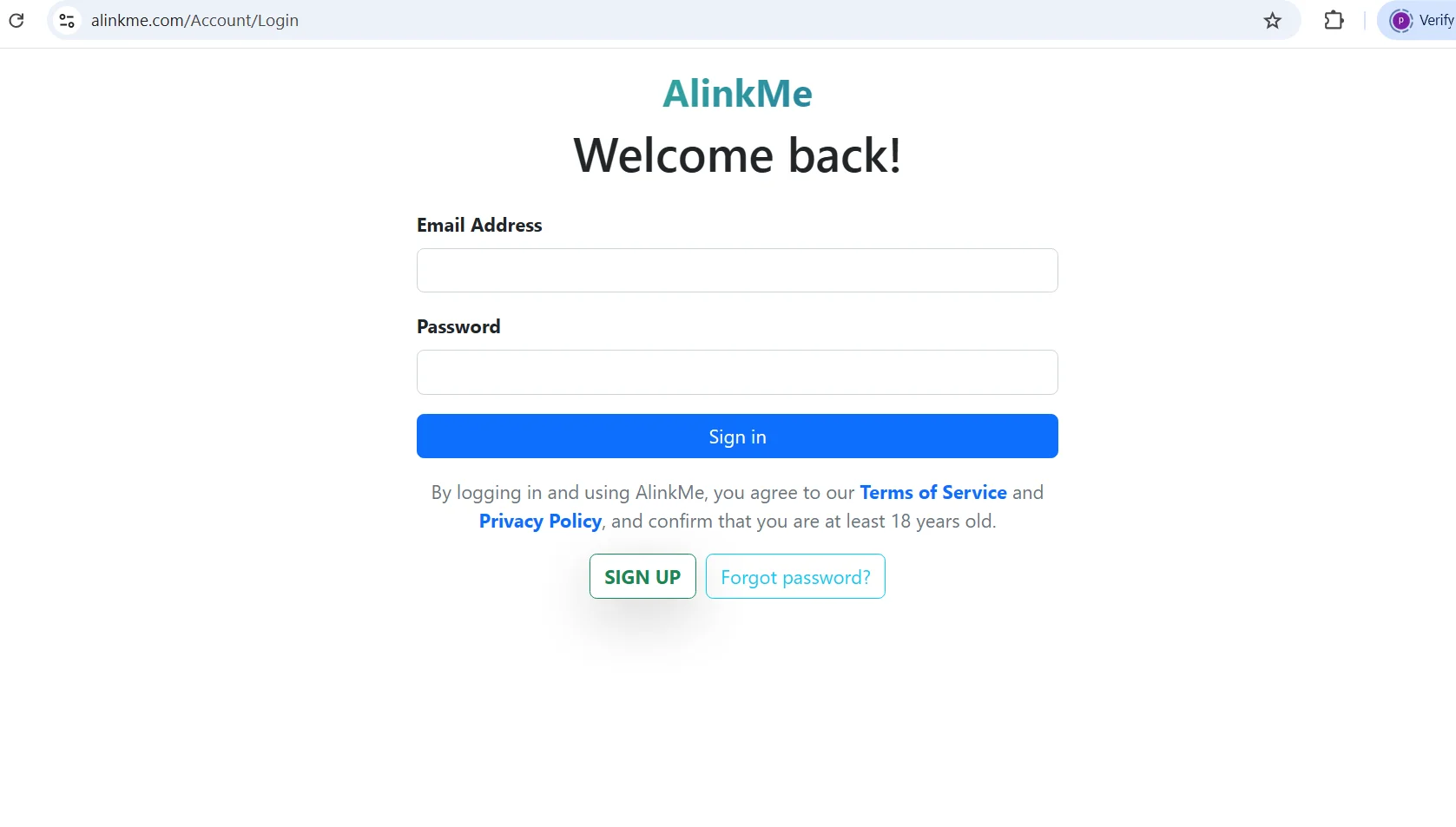
Click on Login
-
Enter your registered email address
-
Enter your password
-
Click Login
-
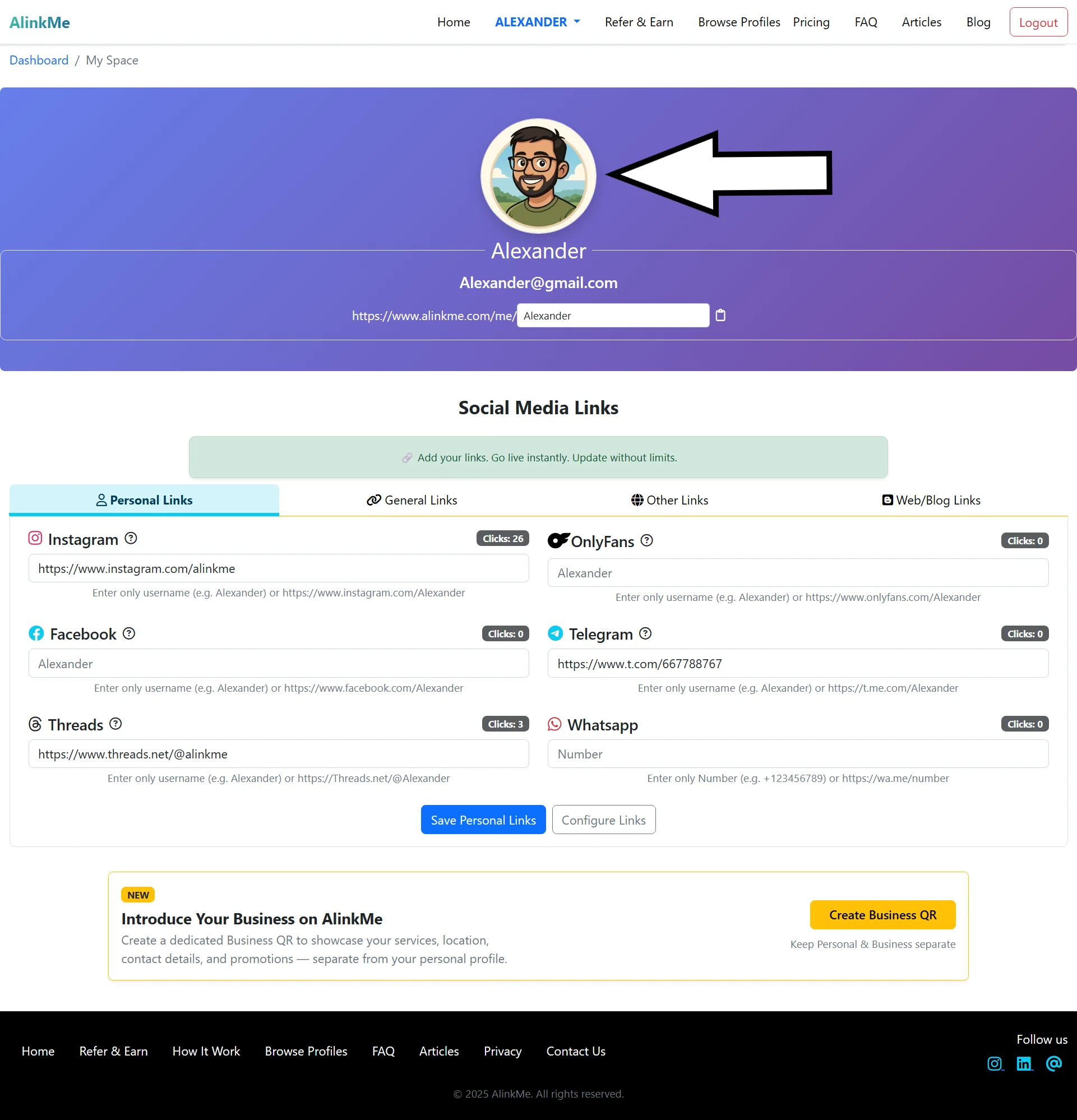
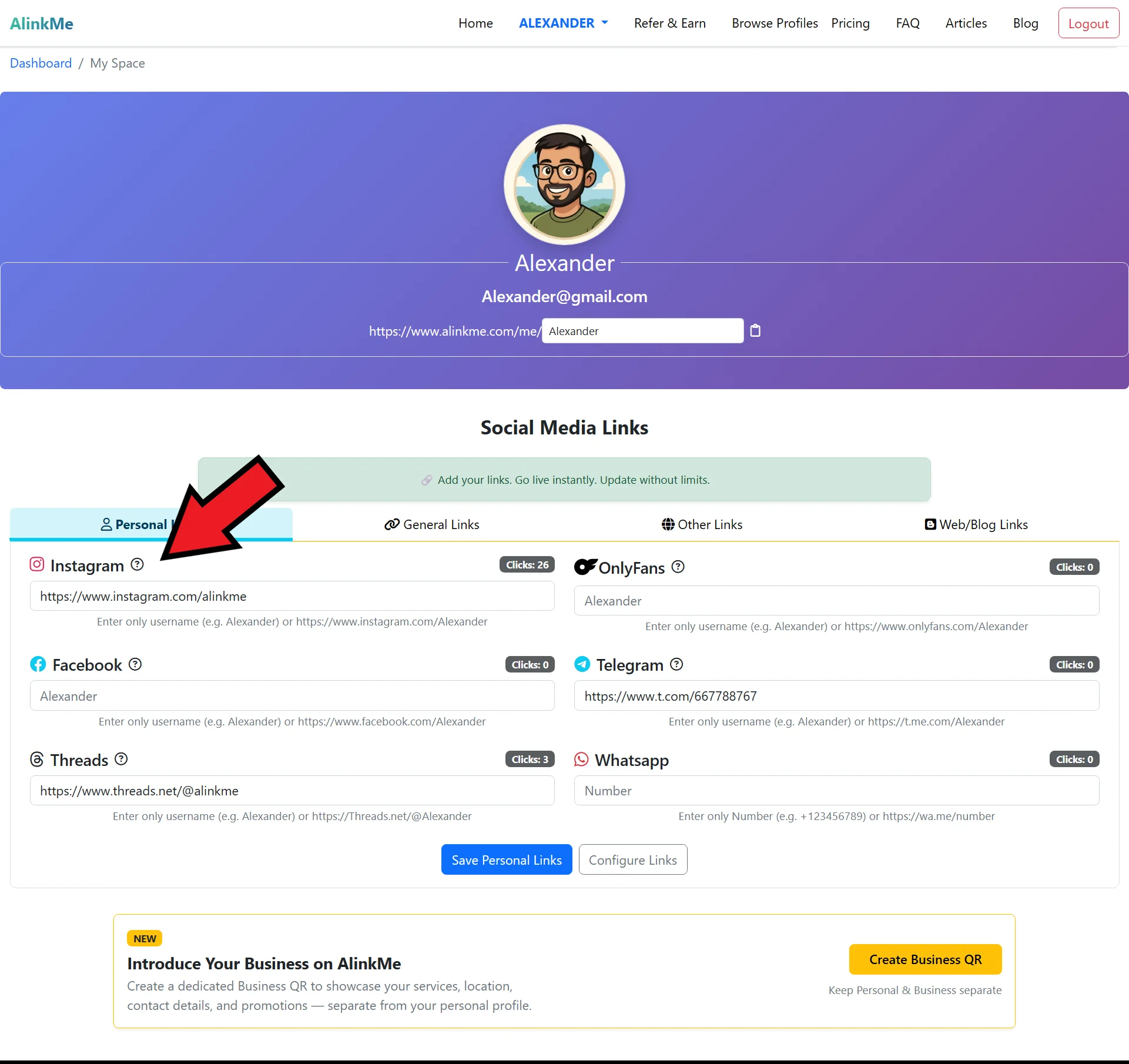
Access your dashboard instantly
What You Can Do After Login
After logging in, you can:
-
🔗 Add or edit social media links
-
🎨 Customize buttons and themes
-
👤 Update profile details
-
📱 Preview your public page
-
🌐 Share your AlinkMe link anywhere
Forgot Your Password?
If you forget your password, simply click “Forgot Password” on the login page and reset it using your registered email.
Login Anytime, Anywhere
Your AlinkMe account is accessible on mobile, tablet, and desktop, making it easy to manage your links anytime.
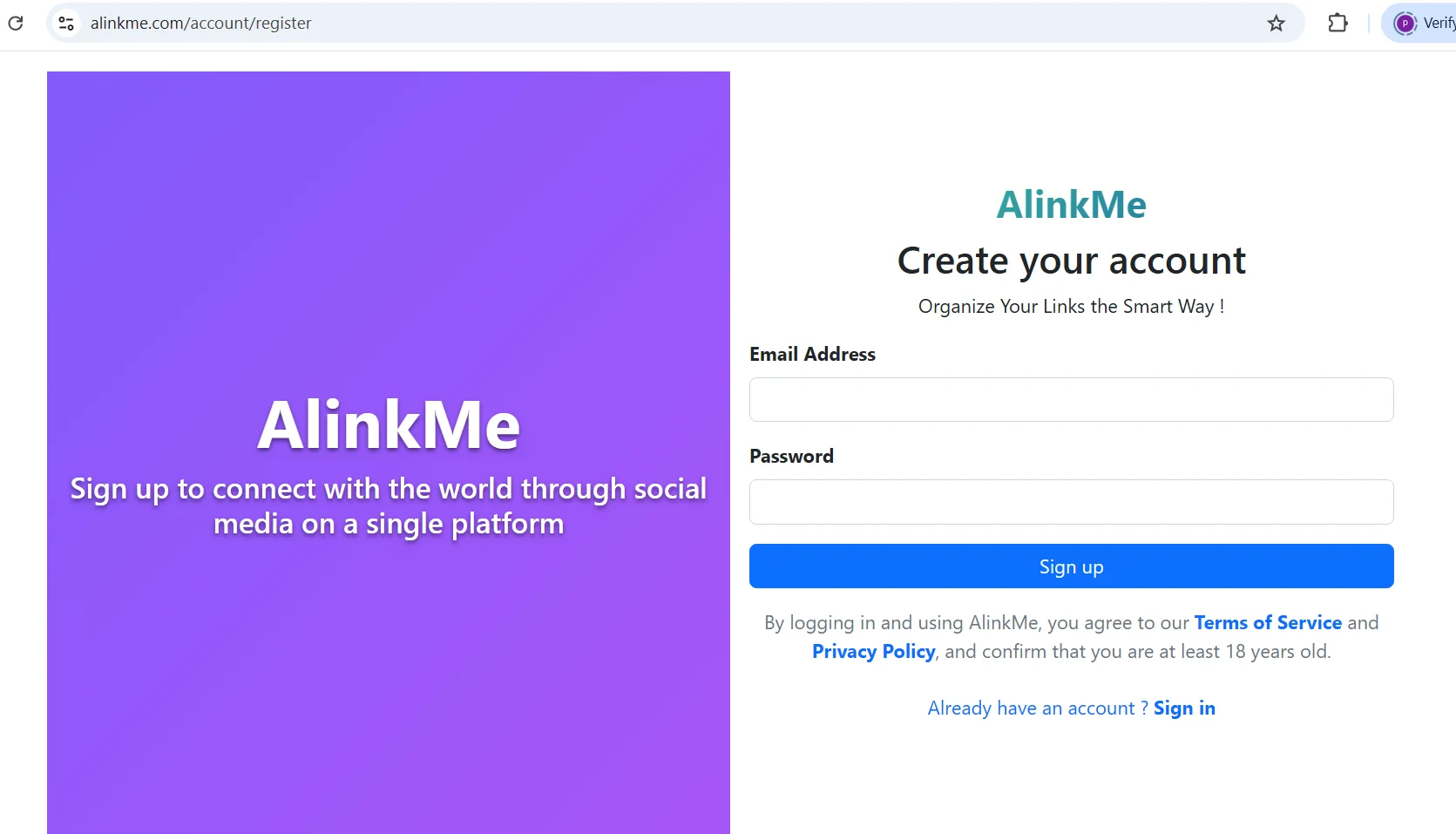
👉 Before logging in, you'll need an account. See Login here: Login to AlinkMe
👉After logging in, customize your profile in How to Add Instagram Links.