Customize Button Colors & Text on Your AlinkMe Profile
AlinkMe allows you to fully personalize your public profile page by customizing button colors, text styles, and hover effects. Using the Color & Text settings in the Configuration dashboard, you can design your profile to match your personal brand or business identity.
This guide explains how to adjust button background, text colors, hover styles, and font settings.
🔹 Step 1: Login to Your Account
-
Visit 👉 https://www.alinkme.com
-
Click Login
-
Enter your email and password
-
You will be redirected to your Dashboard
🔹 Step 2: Open Configuration → Color & Text
-
From your dashboard, click Configuration
-
Select the Color & Text tab
-
You will see customization options for button appearance
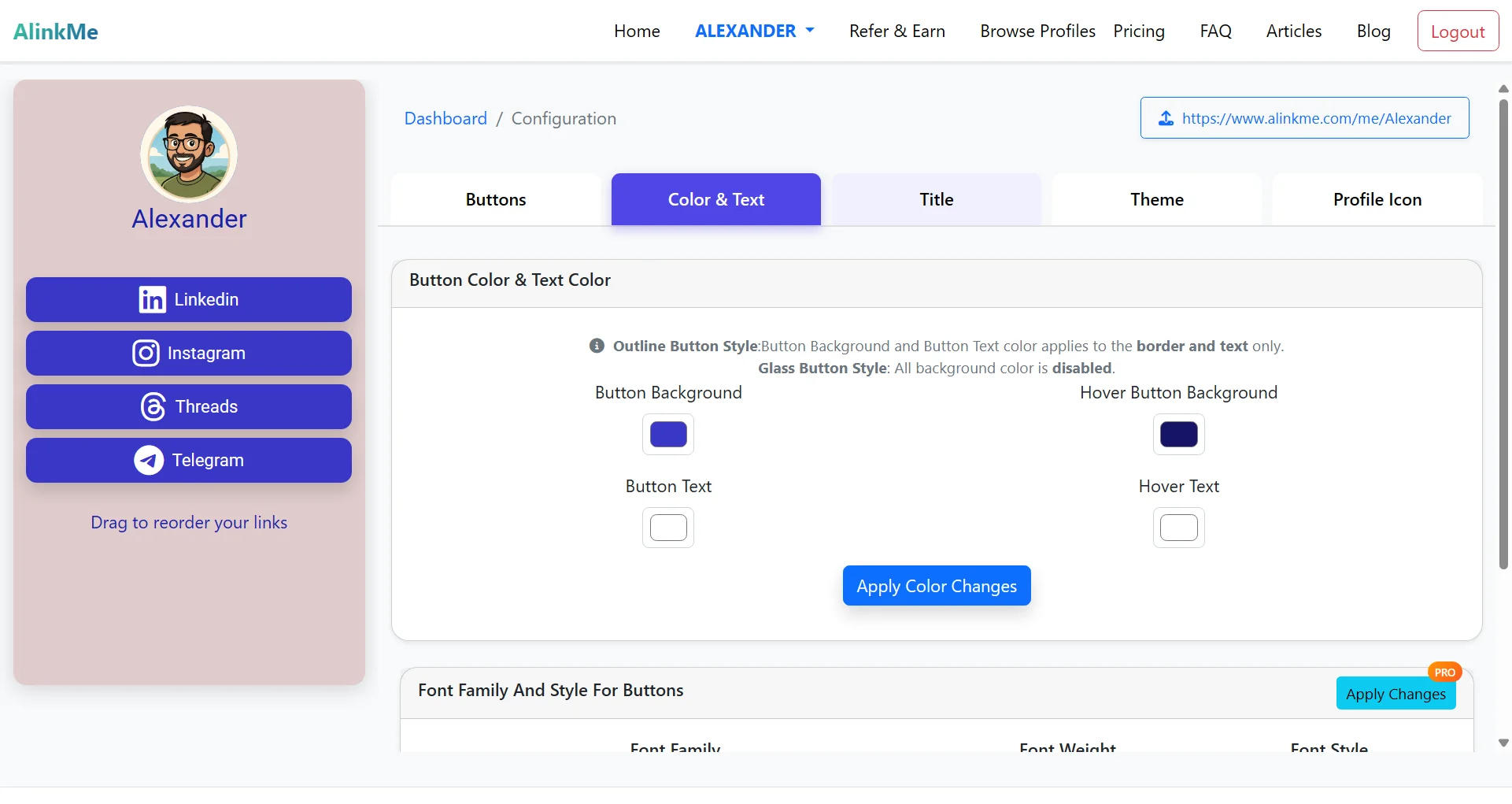
🔹 Button Color & Text Settings Explained
Inside the Color & Text section, you can control how your social media buttons look.
Button Background
Choose the main background color of your buttons.
This is the primary color visitors will see.
Button Text
Select the color of the text displayed inside the buttons.
Hover Button Background
Customize the color that appears when someone hovers over a button.
Hover Text
Choose the text color that appears on hover.
Important Notes
-
Outline Button Style: Background and text color apply only to the border and text.
-
Glass Button Style: Background color is disabled.
-
Click Apply Color Changes to save your updates.
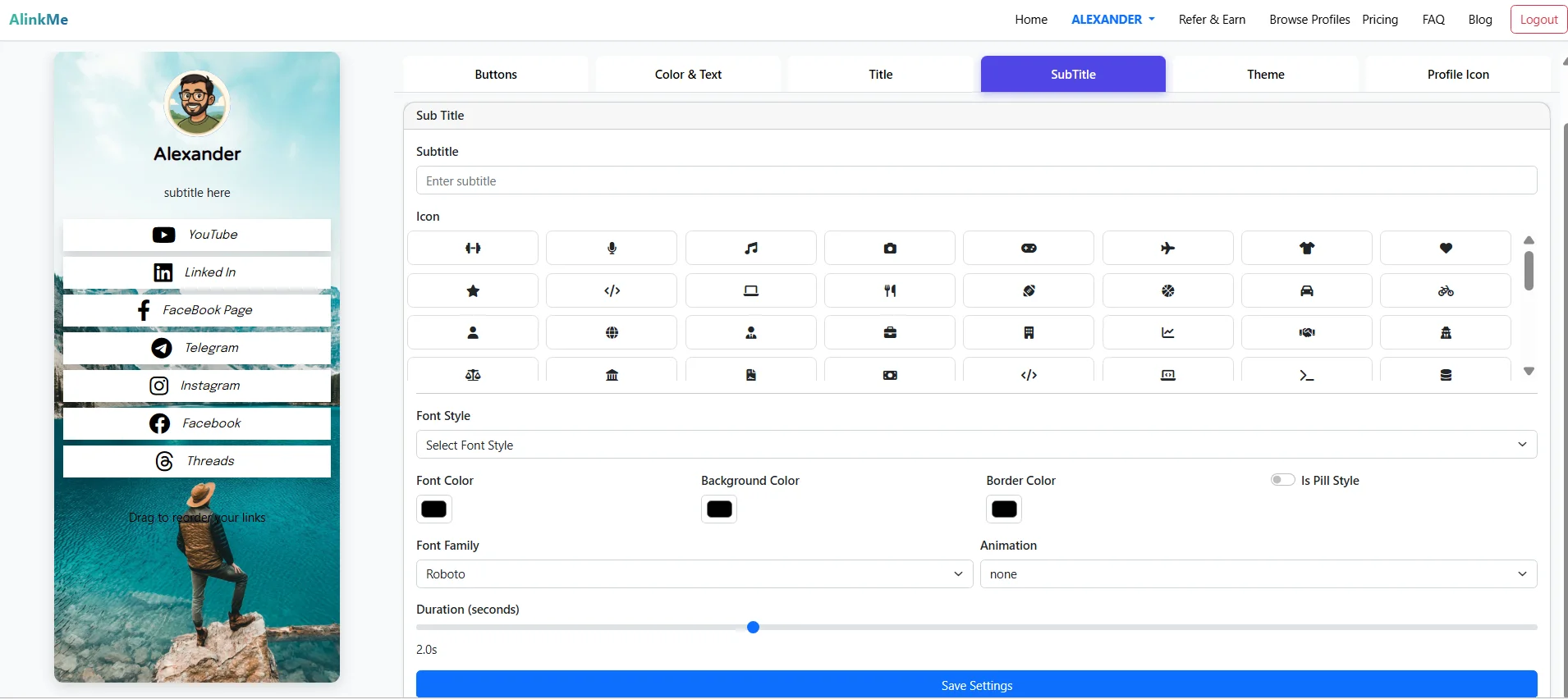
🔹 Font Family & Style for Buttons (Pro Feature)
You can also customize:
-
Font Family
-
Font Weight
-
Font Style
These advanced typography settings allow you to create a more unique and branded look for your profile buttons.
🔹 Live Preview on the Left Panel
As shown in the dashboard, your profile preview appears on the left side.
You can instantly see how your LinkedIn, Instagram, Threads, and Telegram buttons look after customization.
This makes it easy to test different styles before sharing your profile publicly.
🔹 Why Customize Your Profile Buttons?
Customizing your button colors and text helps you:
✔ Match your brand identity
✔ Improve visual appeal
✔ Increase click-through rates
✔ Stand out from other profiles
✔ Maintain a professional look
🔹 Share Your Styled Profile
After customizing:
-
Copy your public profile link (example: https://www.alinkme.com/me/yourname)
-
Share it in your Instagram bio, WhatsApp, LinkedIn, or website
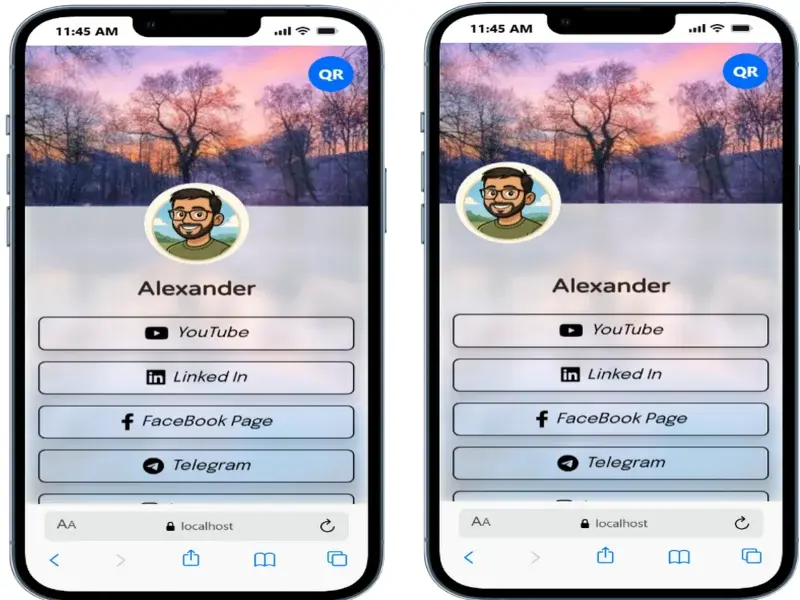
Your fully styled profile is now ready to impress visitors.
🔹 Start Customizing Today
Login to your account and personalize your AlinkMe profile in just a few clicks.