Configure and Style Your AlinkMe Profile Page
AlinkMe gives you full control over how your public profile page looks. Using the Configuration section in your dashboard, you can easily customize button styles, layout appearance, colors, text, titles, and themes — all without writing any code.
This guide explains how to configure your profile page style based on the available options shown in the AlinkMe dashboard.
🔹 Step 1: Login to AlinkMe
-
Visit 👉 https://www.alinkme.com
-
Click Login
-
Enter your registered email address and password
-
Click Login
-
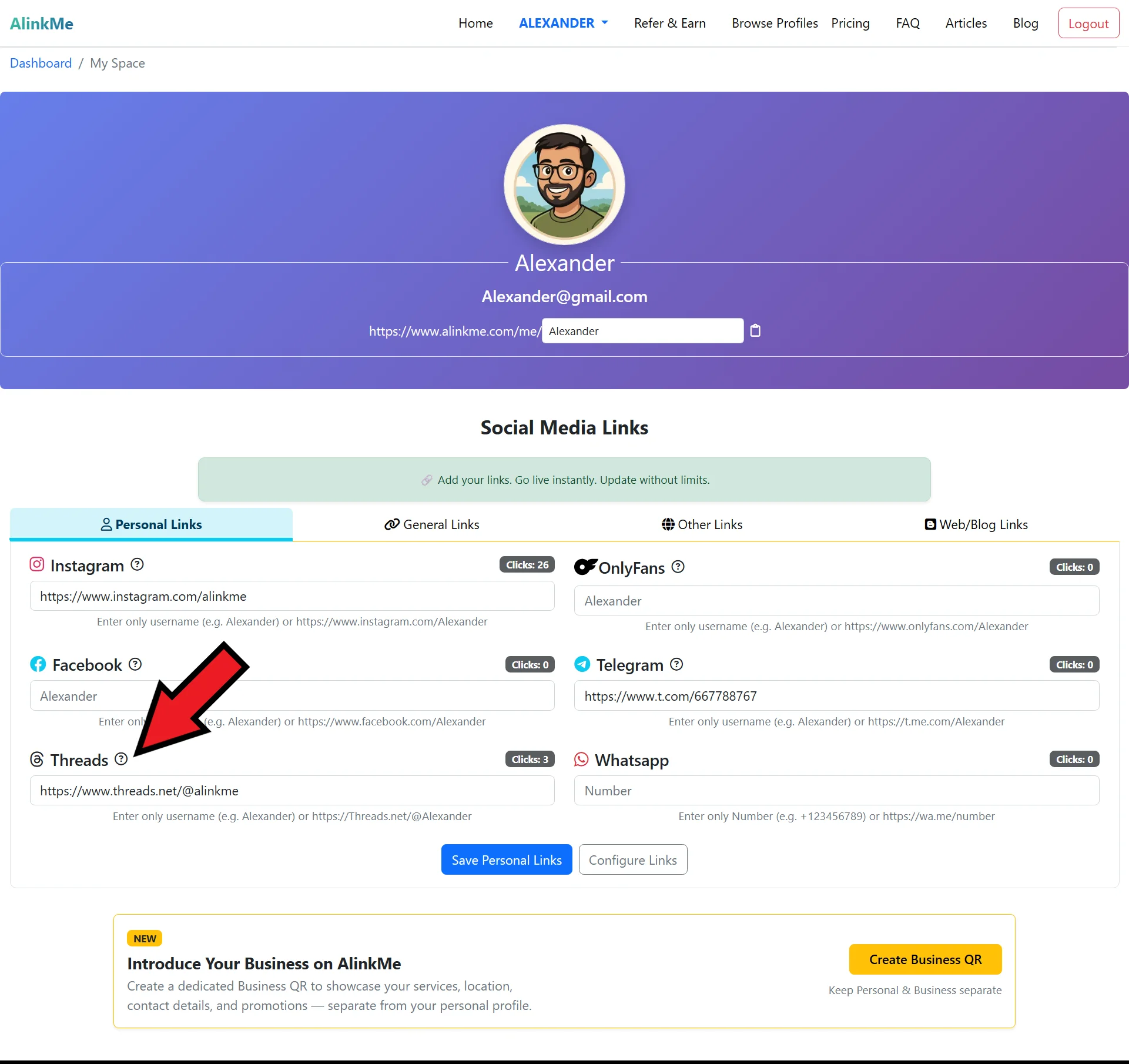
You will be redirected to your MySpace
🔹 Step 2: Open Configuration Page
-
From the dashboard menu, go to Configuration
-
You will see multiple tabs such as:
-
Buttons
-
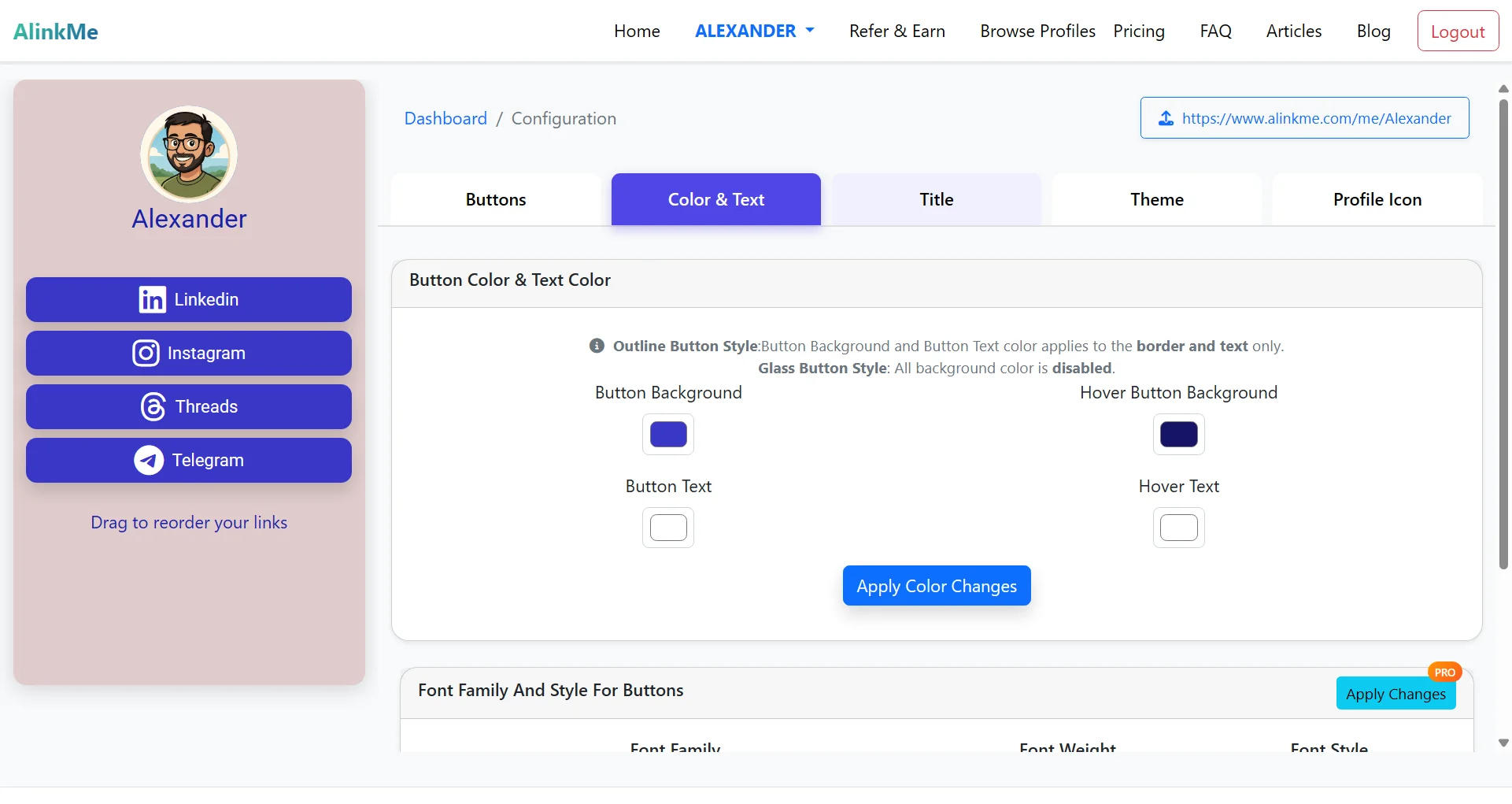
Color & Text
-
Title
-
Theme
-
These options allow you to fully personalize your profile page.
🔹 Step 3: Configure Button Styles (Based on Image)
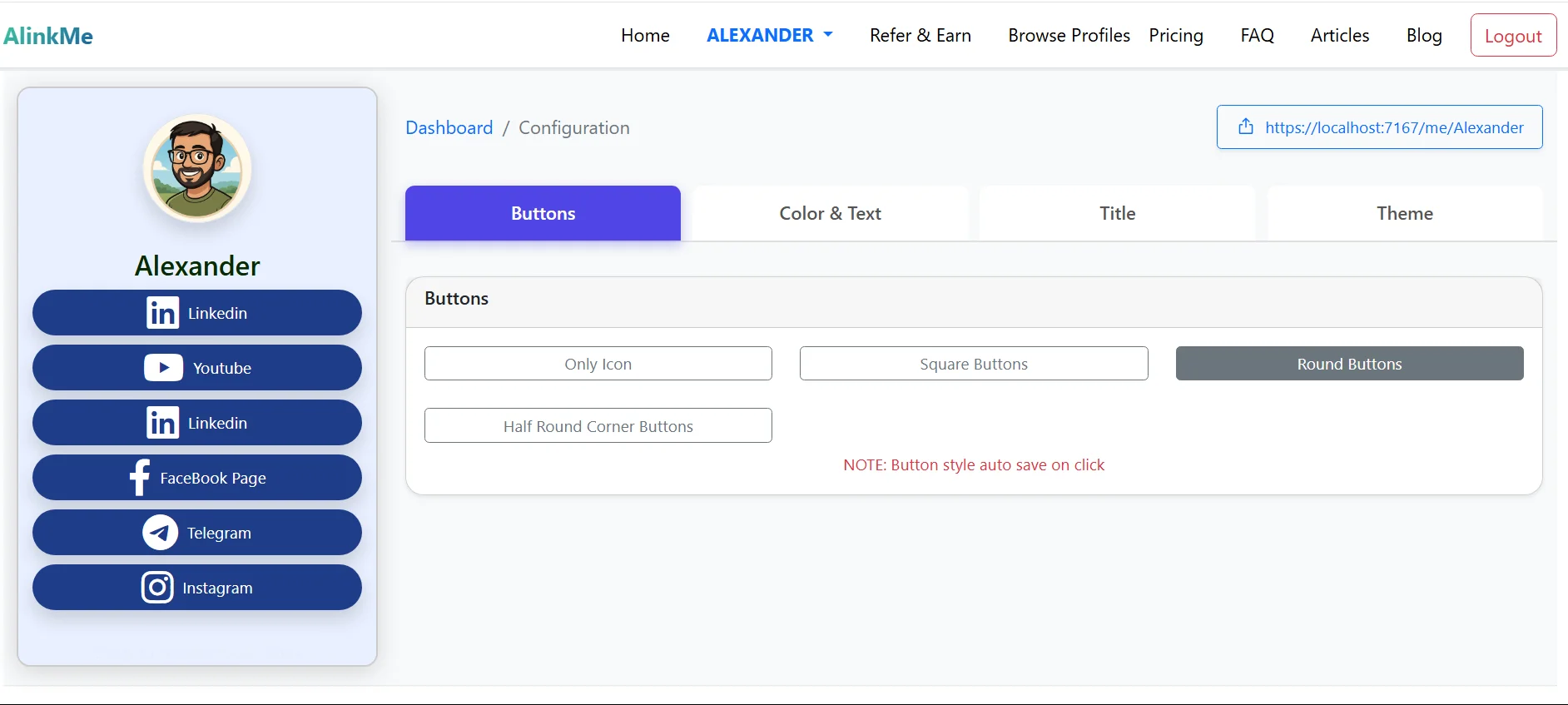
Under the Buttons tab, you can select how your social media links appear on your public profile.
Available Button Styles:
-
Only Icon
Displays only social media icons without text. -
Square Buttons
Buttons with sharp corners for a clean, modern look. -
Round Buttons
Fully rounded buttons for a smooth and friendly design. -
Half Round Corner Buttons
Buttons with slightly rounded edges for a balanced style.
✅ Note: Button style changes are auto-saved on click, so you don’t need to press a save button.
🔹 Live Preview of Profile Page
On the left side of the screen, you can see a real-time preview of your profile page:
-
Profile image
-
Profile name
-
Social media buttons (LinkedIn, YouTube, Facebook, Telegram, Instagram, etc.)
This live preview helps you instantly see how your profile looks to visitors.
🔹 Step 4: Customize Other Profile Settings
Color & Text
-
Change button background color
-
Adjust text color
-
Match your personal brand or business theme
Title
-
Set your profile title
-
Customize how your name or heading appears on your public page
Theme
-
Choose different visual themes
-
Instantly update the overall look and feel of your profile
🔹 Share Your Public Profile Link
Once your profile is styled:
-
Copy your public AlinkMe URL (shown at the top right)
-
Example:
-
https://www.alinkme.com/me/yourname
-
-
Share this single link across Instagram bio, WhatsApp, Telegram, LinkedIn, or your website
🔹 Why Customize Your AlinkMe Profile?
Configuring your profile page helps you:
-
Create a professional online presence
-
Match your personal or brand identity
-
Improve visitor engagement
-
Stand out with clean and attractive button styles
-
Manage all links from one place
🔹 Start Customizing Your Profile Today
AlinkMe makes it easy to design a beautiful profile page in minutes.